
BeforeAfter
AI image sharpener for photos
Portraits and profile photos
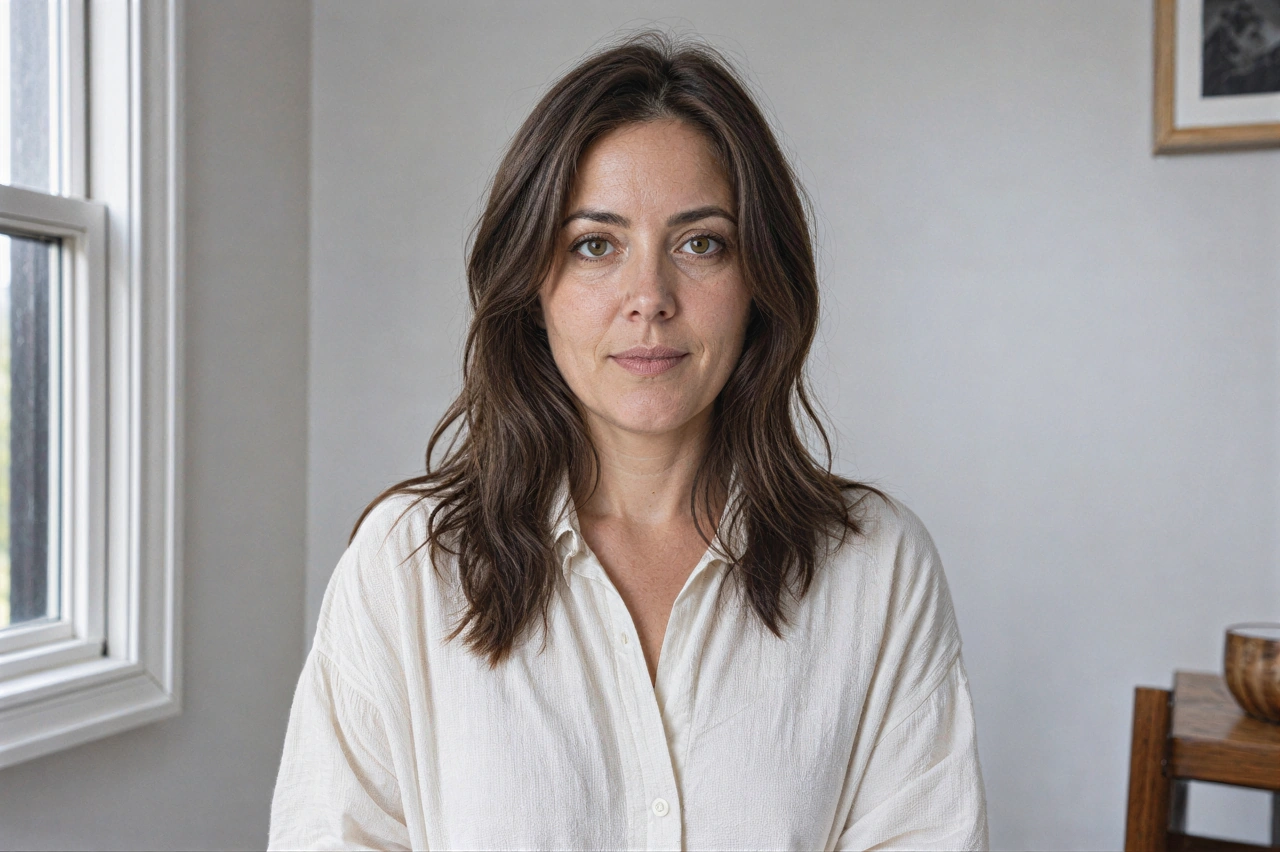
Sharpen soft facial edges while keeping skin, hair, and clothing natural.
AI Image Sharpener
Use this AI image sharpener to make soft edges and visible detail clearer in photos, images, screenshots, and graphics. Choose the detail-focused mode for finer texture or the faster two-credit mode for lower-cost processing.
Sharpen an image
Upload a photo to see the exact credit cost before processing.
JPG, PNG, or WebP · Max 10 MB
Process one image, or batch up to 10 images on Starter and 30 on Pro with the same settings.
Real photo sharpener results
Different images need different kinds of clarity. Explore real AI results across portraits, products, architecture, and everyday web images.
AI image sharpener for photos
Sharpen soft facial edges while keeping skin, hair, and clothing natural.
photo sharpener for products
Make product edges and visible surface texture clearer without changing the image dimensions or composition.
sharpen architecture photos
Bring out windows, roof lines, brickwork, and foliage that remain visible in a mildly soft source.
sharpen compressed images
Strengthen softened edges in everyday or compressed images without an overly harsh look.
Tools for problems beyond sharpening
Image sharpening improves mild edge softness without enlarging the source image. Use a focused tool when the image needs restoration, more resolution, or blur correction.
old photo restoration
Reduce mild grain, fading, contrast loss, and softness in scanned family photos.
Open toolimage upscaler
Enlarge a small photo by 2x or 4x while keeping its original proportions.
Open toolunblur image
Reduce slight softness, compression blur, and weak visible detail in a photo.
Open toolPlans for regular and batch image work
Subscribe for monthly credits, better value per credit, and batch processing. Starter supports up to 10 images per batch, while Pro supports up to 30.
Apply one tool and one set of settings to up to 10 images per batch on Starter or 30 on Pro.
Starter includes 1,000 credits each month and Pro includes 4,000.
Subscription pricing lowers the effective credit cost for regular image processing.
Annual plans allow unused credits to roll one billing cycle, up to 60 days.
How it works
Upload a source image and choose the sharpening mode that matches the level of detail you need.
Choose image or drag it here
JPG, PNG, WebP.
Choose a JPG, PNG, or WebP file up to 10 MB. The clearest source gives the sharpener more real detail to work with.
Sharpening mode
Use Natural Detail when texture matters, or Quick Sharpen for a fast two-credit result on an everyday photo.
Click Download result to save the processed image. If needed, choose another mode and process it again.
What image sharpening changes
ImgSharpener improves mild edge softness and visible detail while keeping the output dimensions and composition close to the source. It does not replace resolution upscaling or specialized blur correction.
Start sharpeningBring out visible facial, hair, fabric, and surface detail while keeping the result natural.
Use a two-credit mode when speed and price matter more than subtle texture fidelity.
Use Natural Detail for finer texture or Quick Sharpen for a faster two-credit result.
Download every generated result without a watermark at its output size.
Private image processing
Your uploads stay private, are never published as public examples, and are scheduled for deletion from our storage within 24 hours.
Only your account can access its uploaded images and results.
Uploaded images are not used as public example images.
Files in ImgSharpener-controlled storage are deleted within 24 hours.
Processing jobs and results stay connected to the account that created them.
Image sharpener FAQ
Ready to try it?
Use the photo sharpener to bring out clearer edges and visible detail.