
Fading and low contrast
Bring back separation between faces, clothing, and the background in washed-out scans.
Faithful old photo cleanup
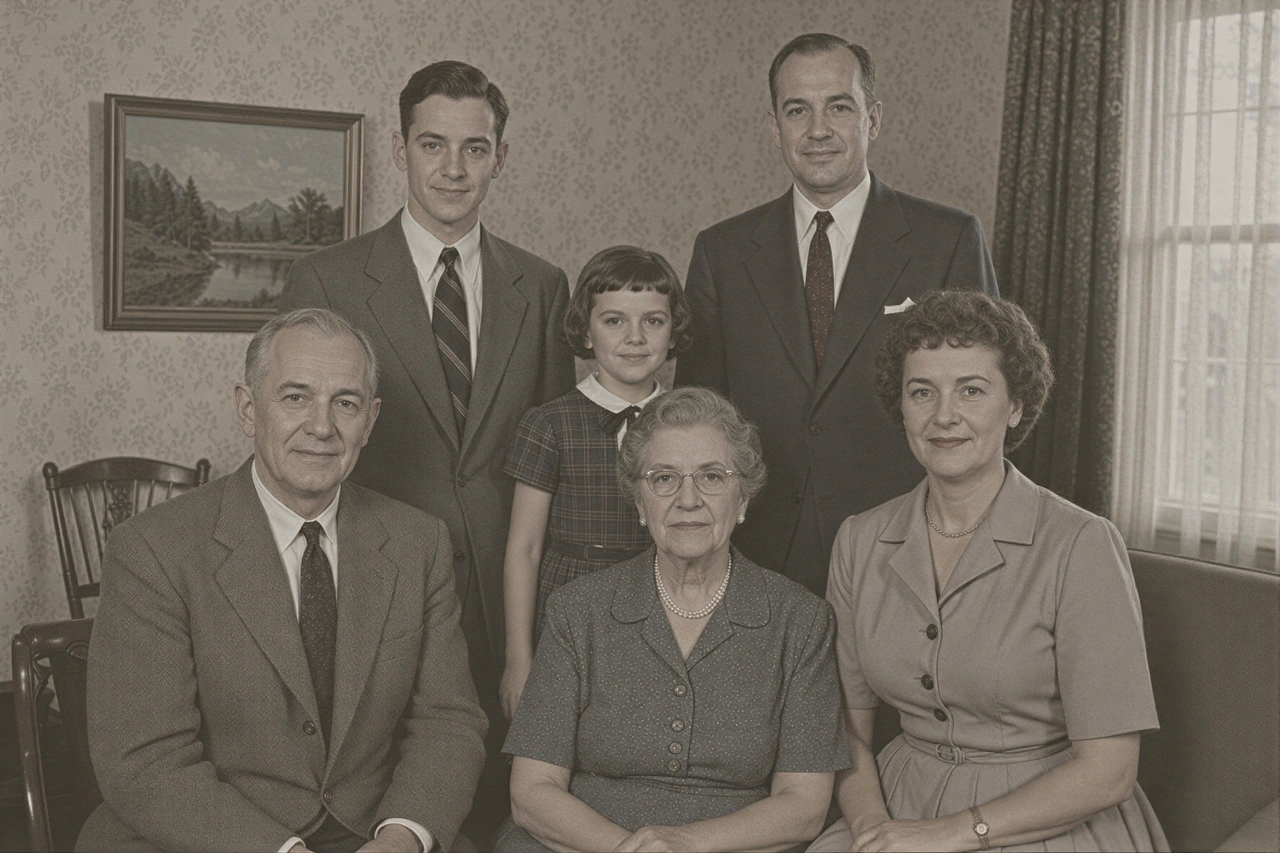
Make a faded family photo clearer by reducing mild grain, low contrast, and soft visible detail while keeping recognizable people and the original character.
Upload an old photo
Upload an old photo to see the exact credit cost before processing.
JPG, PNG, or WebP · Max 10 MB
Built for this job
Old Photo Restoration works best when people and important details are still visible. It can improve mild fading, grain, low contrast, and soft detail without generating a new version of the photograph.
Bring back separation between faces, clothing, and the background in washed-out scans.
Reduce distracting grain and mild noise in scans that still contain useful detail.
Make faces, clothing, and objects clearer without claiming reconstruction of missing detail.
How it works
Use the clearest scan or camera photo you have. JPG, PNG, and WebP are supported.
Run the five-credit restoration for mild grain, fading, low contrast, and soft visible detail.
Keep the original scan as the historical source and save the restored result as a separate image.
AI restoration cannot reliably repair large tears, deep scratches, missing faces, unreadable writing, absent areas, or lost color. These cases may require manual restoration and historical references.
ImgSharpener plans
Need to restore several old photos? Batch processing applies the same Light Cleanup setting to up to 10 images on Starter or 30 on Pro. AI old photo restoration uses five credits per image.
Starter includes 1,000 monthly credits and Pro includes 4,000.
Subscription pricing lowers the effective credit cost for regular image processing.
Unused annual-plan credits can roll one billing cycle, up to 60 days.
FAQ